
简要教程
【案例简介】
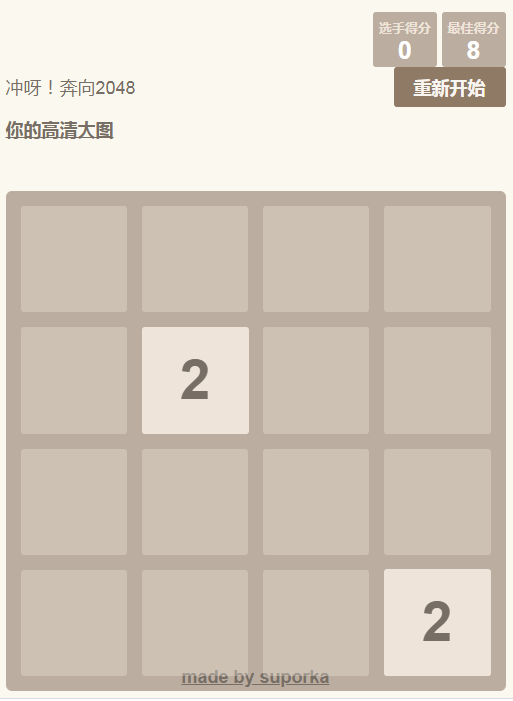
基于js实现2048游戏测试demo,经测试 可以正常使用
【案例截图】

【核心代码】
// Restart the game
GameManager.prototype.restart = function () {
    this.storageManager.clearGameState();
    this.actuator.continueGame(); // Clear the game won/lost message
    this.setup();
};

// Keep playing after winning (allows going over 2048)
GameManager.prototype.keepPlaying = function () {
    this.keepPlaying = true;
    this.actuator.continueGame(); // Clear the game won/lost message
};

// Return true if the game is lost, or has won and the user hasn't kept playing
GameManager.prototype.isGameTerminated = function () {
    return this.over || (this.won && !this.keepPlaying);
};

// Set up the game
GameManager.prototype.setup = function () {
    var previousState = this.storageManager.getGameState();

    // Reload the game from a previous game if present
    if (previousState) {
        this.grid = new Grid(previousState.grid.size, previousState.grid.cells); // Reload grid
        this.score = previousState.score;
        this.over = previousState.over;
        this.won = previousState.won;
        this.keepPlaying = previousState.keepPlaying;
    } else {
        this.grid = new Grid(this.size);
        this.score = 0;
        this.over = false;
        this.won = false;
        this.keepPlaying = false;

        // Add the initial tiles
        this.addStartTiles();
    }

    // Update the actuator
    this.actuate();
};

// Set up the initial tiles to start the game with
GameManager.prototype.addStartTiles = function () {
    for (var i = 0; i < this.startTiles; i++) {
        this.addRandomTile();
    }
};








 粤公网安备 44011102002787号