
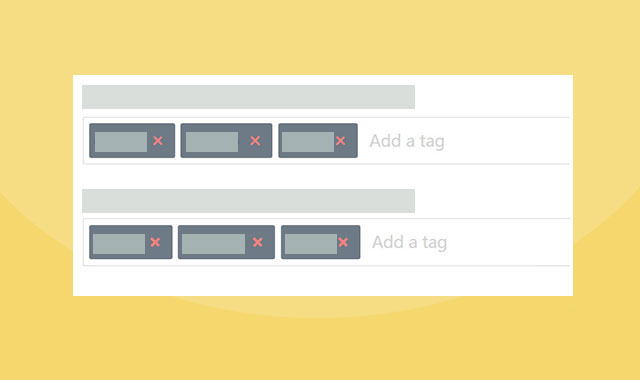

这是一款带自动完成功能的jQuery标签输入插件。该jQuery标签输入插件还能实现简单的验证功能,并且采用响应式设计,十分实用。
使用方法
在页面中引入jquery和jqueryui文件,以及jquery.tagsinput-revisited.css和jquery.tagsinput-revisited.js文件。
HTML
使用一个input标签作为输入标签的容器,value中设置的值可以作为预定义标签使用。
初始化插件
在页面DOM元素加载完毕之后,通过下面的方法来初始化该jquery标签输入插件。
$('#example').tagsInput();
配置参数
该jquery标签输入插件的可用配置参数有:
$('.tagsinput#tags').tagsInput({
  interactive: true,
  placeholder: 'Add a tag',
  minChars: 2,
  maxChars: 20, // if not provided there is no limit
  limit: 5, // if not provided there is no limit
  validationPattern: new RegExp('^[a-zA-Z]+$'), // a pattern you can use to validate the input
  width: '300px', // standard option is 'auto'
  height: '100px', // standard option is 'auto'
  autocomplete: { option: value, option: value},
  hide: true,
  delimiter: [',',';'], // or a string with a single delimiter
  unique: true,
  removeWithBackspace: true,
  onAddTag: callback_function,
  onRemoveTag: callback_function,
  onChange: callback_function
});
该jquery标签输入插件的github地址为:https://github.com/underovsky/jquery-tagsinput-revisited










 粤公网安备 44011102002787号