


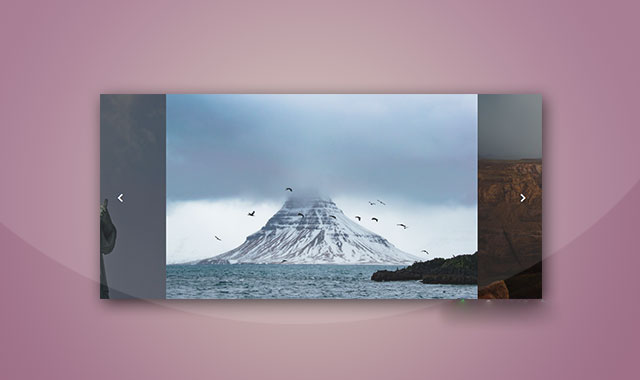
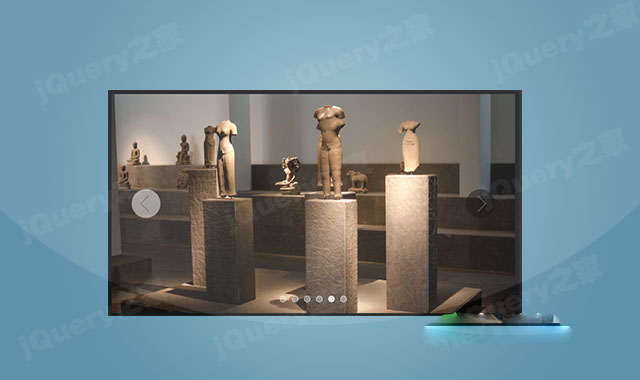
jQuery-Waterwheel-Carousel是一款jquery 3d Carousel轮播图插件。该jquery Carousel轮播图插件兼容ie8浏览器,提供丰富的参数和API方法由于控制Carousel,使用简单,非常实用。它的特点还有:
- 支持水平或垂直Carousel轮播。
- 可以通过键盘来控制前后轮播。
- 图片移动时提供回调函数钩子。
- 支持不同尺寸的图片。
- 支持图片边部透明效果。
- 支持无缝滚动。
- 兼容Chrome, FireFox, Safari 和 IE7+浏览器。
使用方法
在页面中引入jquery和jquery.waterwheelCarousel.min.js文件。
HTML结构
使用一个 为carousel指定下面的CSS样式。 在页面DOM元素加载完毕之后,通过下面的方法来初始化该Carousel轮播图插件。 该jquery Carousel轮播图插件的可用配置参数有: jQuery-Waterwheel-Carousel 3d Carousel轮播图插件的github地址为:https://github.com/bkosborne/jQuery-Waterwheel-Carousel


CSS样式
初始化插件
$(document).ready(function() {
$("#carousel").waterwheelCarousel({
// include options like this:
// (use quotes only for string values, and no trailing comma after last option)
// option: value,
// option: value
});
});
配置参数
参数
类型
默认值
描述
largeFeatureWidth
integer
0
可取3个种值。0表示原始图片宽度。0-1之间的数表示原始图片乘以该数值。大于1的数表示使用该数值作为图片的宽度。
largeFeatureHeight
integer
0
和largeFeatureWidth参数的意义相同。
smallFeatureWidth
integer
0.5
可取3种值。0表示原始图片的一半。0-1之间表示原始图片乘以该数值。大于1的数值表示使用该数值作为图片的宽度。
smallFeatureHeight
integer
0.5
和smallFeatureWidth参数的意义相同。
topPadding
integer
20
容器顶部到Carousel边部的内边距。
sidePadding
integer
50
容器左右边部到Carousel边部的内边距。
smallFeatureOffset
integer
50
容器顶部到Carousel边部的补白。
startingFeature
integer
1
标示那副图片在初始化时显示在中间。
carouselSpeed
integer
1000
Carousel的旋转速度,单位毫秒。
autoPlay
integer
4000
如果数值大于0,将使用该数值作为自动播放的速度。
pauseOnHover
boolean
true
是否在鼠标hover是停止自动播放。
stopOnHover
boolean
false
如果设置了
autoplay参数可用,该参数设置为true时,当鼠标hover图片时停止自动播放。
trackerIndividual
boolean
true
是否显示跟踪信息。
trackerSummation
boolean
true
a summation of the features can also be used to display an "x Of y" style of tracking this can be combined with the above option as well
preload
boolean
true
是否在显示Carousel之前预加载图片。
displayCutoff
integer
0
If greater than '0', will only use this amount of features within the carousel. Any after this number will be ignored.
animationEasing
string
'swing'
carousel动画的easing效果。
leftButtonTag
string
'#carousel-left'
prev按钮的jquery选择器。
rightButtonTag
string
'#carousel-right'
next按钮的jquery选择器。
captionBelow
boolean
false
是否在carousel下方显示描述文字。
movedToCenter
function
$.noop
当图片移动到中间时触发的回调函数。
leavingCenter
function
$.noop
当图片离开中间位置时触发的回调函数。
clickedCenter
function
$.noop
当中间的图片是一个链接,单该链接被点击时触发的回调函数。








 粤公网安备 44011102002787号