
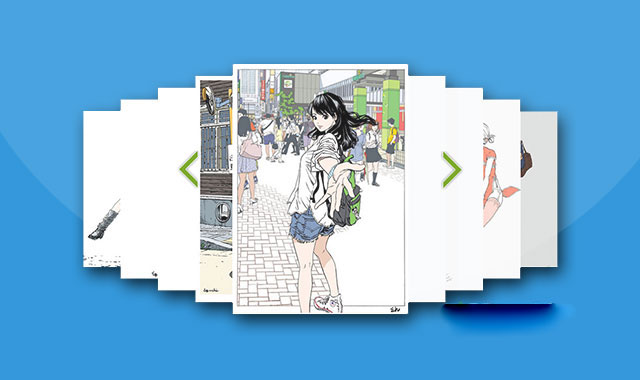

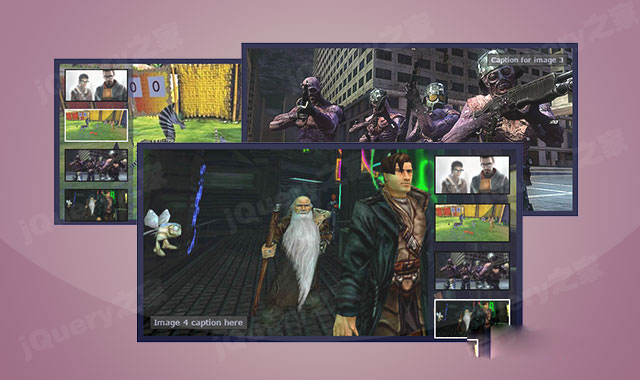
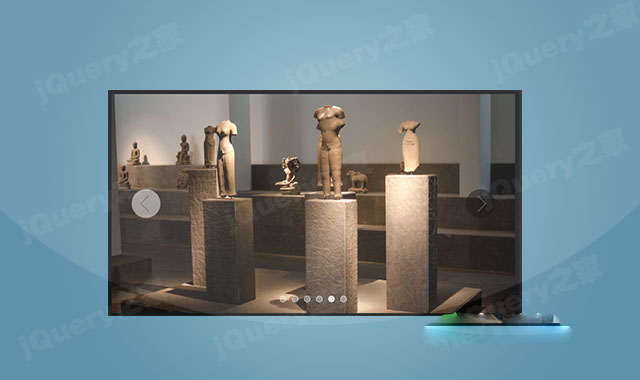
这是一款jquery堆叠图片左右切换轮播图插件。该轮播图插件可以将图片左右对齐堆叠在一起,并可以通过前后导航按钮来左右切换图片。
使用方法
在页面中引入jquery、jQuery-easing.js和jQuery-jcImgScroll.js文件。
HTML结构
该轮播图使用过一个无序列表作为HTML结构。
CSS样式
为该轮播图添加下面的CSS样式。
.jcImgScroll{position:relative;height:380px;margin:40px auto 0 auto;}
.jcImgScroll li{border:1px solid #ccc;}
.jcImgScroll li a{background:#fff;display:block;position:relative;z-index:99;}
.jcImgScroll li.loading a{background:#fff url(img/loading.gif) no-repeat center center;}
.jcImgScroll li img,.jcImgScroll li,.jcImgScroll em,.jcImgScroll dl{display:none;border:0 none;}
.jcImgScroll li img{width: 100%;height: 100%;}
.jcImgScroll em.sPrev{background:url(images/arrow-left.png) no-repeat left center;}
.jcImgScroll em.sNext{background:url(images/arrow-right.png) no-repeat right center;}
.jcImgScroll dl dd{background:url(images/NumBtn.png) no-repeat 0 bottom;text-indent:-9em;}
.jcImgScroll dl dd:hover,.jcImgScroll dl dd.curr{background-position:0 0;}
初始化插件
在页面DOM元素加载完毕之后,通过下面的方法来初始化该轮播图插件。
$(function(){
    $("#demo").jcImgScroll({
      arrow : {
        width:45,
        height:400,
        x:60,
        y:0
      },
      width : 330, //设置图片宽度
      height:469, //设置图片高度
      imgtop:22,//每张图片的上下偏移量
      imgleft:-10,//每张图片的左边偏移量
      imgwidth:30,//每张图片的宽度偏移量
      imgheight:44,//每张图片的高度偏移量
      count : 9,
      offsetX : 60,
      NumBtn : false,
      title:false,
      setZoom:.8,
    });
  });





 粤公网安备 44011102002787号