


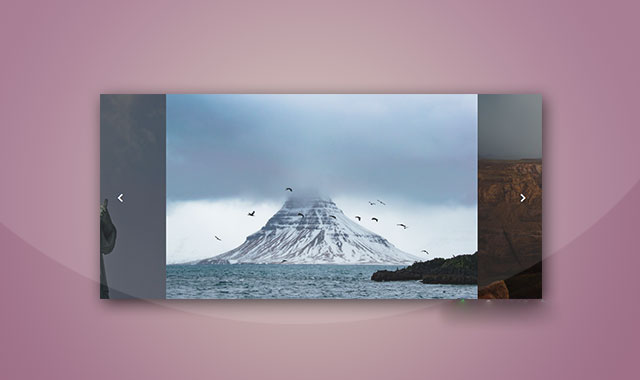
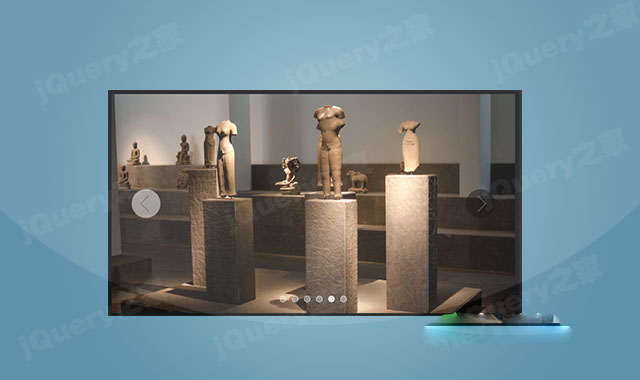
jquery-slider是一款基于JSON格式数据的jQuery幻灯片插件。该幻灯片通过JSON数据来提供图片地址和描述信息等,你可以通过更换JSON数据来动态切换不同的图片。
使用方法
在页面中引入jquery和slider.js文件和font-awesome字体图标文件。
HTML结构
使用一个 为幻灯片设置下面的CSS样式。 该幻灯片的图片和图片描述信息有JSON数据来提供,格式如下: jquery-slider幻灯片插件的github地址为:https://github.com/eryasov/jquery-slider元素。
CSS样式
.slider {
width: 100%;
overflow: hidden;
height: 500px;
position: relative;
}
.sliderList {
position: absolute;
top: 0;
width: 300%;
height: 100%;
list-style: none;
}
.sliderList li {
position: absolute;
top: 0;
bottom: 0;
overflow: hidden;
width: 33.333333%;
height: 100%;
padding: 0;
margin: 0;
}
.sliderList li img {
width: 100%;
min-height: 100%;
border: none;
}
.bulletList {
position: absolute;
bottom: 15px;
width: 100%;
margin: 0 auto;
list-style: none;
}
.bulletList li {
display: inline-block;
width: 12px;
height: 12px;
margin: 0 5px;
-webkit-border-radius: 50%;
-moz-border-radius: 50%;
-ms-border-radius: 50%;
border-radius: 50%;
background-color: #fff;
cursor: pointer;
}
.bulletList .bulletActive { background-color: #0b0d18; }
.content {
position: absolute;
top: 0;
left: 0;
right: 0;
background-color: rgba(0, 0, 0, 0.3);
font-size: 48px;
color: #fff;
}
.button {
position: absolute;
bottom: 15px;
z-index: 2;
display: block;
width: 40px;
height: 40px;
box-sizing: border-box;
margin: 0;
padding: 0;
border: none;
-webkit-border-radius: 5px;
-moz-border-radius: 5px;
-ms-border-radius: 5px;
border-radius: 5px;
background-color: rgba(5, 0, 36, 0.6);
color: #fff;
}
.button-prev { left: 15px; }
.button-next { right: 15px; }
JSON数据
sliderJSON = [
{
"imagePath": "1.jpg",
"order": "2",
"url": "#",
"slideText": "图片描述"
},
{
"imagePath": "2.jpg",
"order": "3",
"url": "#",
"slideText": "图片描述"
},
{
"imagePath": "3.jpg",
"order": "1",
"url": "#",
"slideText": "图片描述"
},
{
"imagePath": "4.jpg",
"order": "4",
"url": "#",
"slideText": "图片描述"
}








 粤公网安备 44011102002787号