
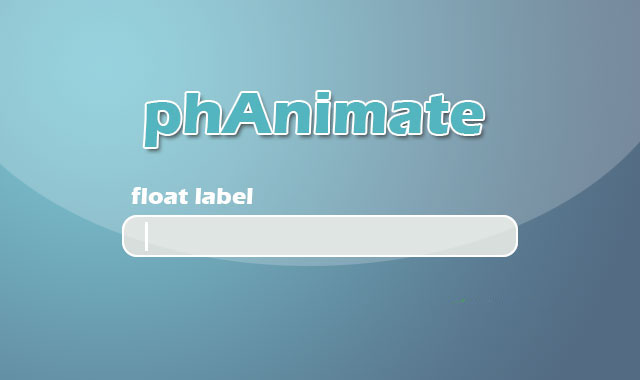

phAnimate是一款简单实用的jQuery表单输入框浮动标签动画特效插件。通过该插件,你可以非常轻松的为表单input元素添加浮动标签动画效果。
使用方法
在页面中引入jquery和phanimate.jquery.js文件。
HTML结构
为 为包裹的 标签 当输入框被聚焦的时候,标签会被添加 在页面DOM元素加载完毕之后,可以通过 phAnimate浮动标签插件的github地址为:https://github.com/andrei90vs/phAnimate。元素设置一个元素作为它的标签。并使用一个
CSS样式
div元素设置定位方式为相对定位,一个一些内边距和外边距。
.custom-input {
position: relative;
padding-top: 20px;
margin-bottom: 10px;
}
label元素实用绝对定位,top和left属性的值分别设置为15像素和27像素。并为所有的动画属性执行0.3秒的ease效果过渡动画。
.custom-input input {
padding-left: 15px;
}
.custom-input label {
cursor: text;
margin: 0;
padding: 0;
left: 15px;
top: 27px;
position: absolute;
font-size: 14px;
color: #ccc;
font-weight: normal;
transition: all .3s ease;
}
.active class类,该class类会将它的top和left属性的值修改为0。另外.focusIn class类用于修改文字的颜色。
.custom-input label.active {
top: 0;
left: 0;
font-size: 12px;
}
.custom-input label.active.focusIn {
color: #66afe9;
}
初始化插件
phAnim()方法来初始化该浮动标签插件。
$(document).ready(function() {
$('.custom-input input').phAnim();
}









 粤公网安备 44011102002787号