
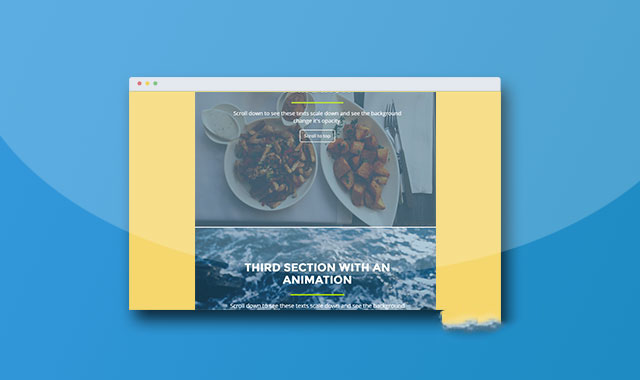

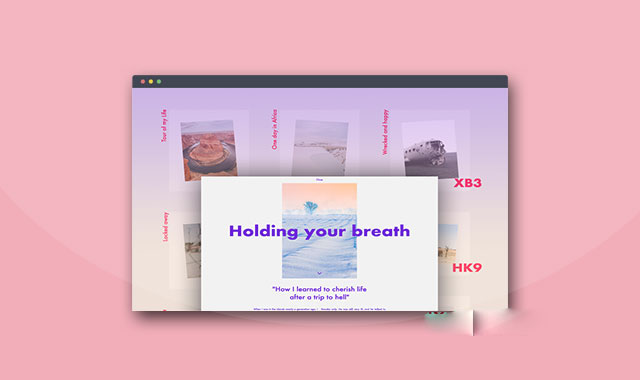
jquery.scrollfx是一款可以制作页面滚动元素动画效果的jQuery插件。通过该插件,用户在滚动页面的时候,可以改变文字的大小以及背景颜色的透明度等,制作出很酷的效果。
安装
可以通过npm来安装该插件。
npm install jquery.scrollfx --save
使用方法
使用该插件需要在页面中引入jquery和jquery.scrollfx.js文件。
HTML结构
可以使用
Scroll down to see these texts scale down and see the background change it's opacity.
Scroll down to see these texts scale down and see the background change it's opacity.
在页面DOM元素加载完毕之后,可以通过 jquery.scrollfx插件的github地址为:https://github.com/marksten/jquery.scrollfx作为分段容器,里面放置内容。
First section with an animation
Second section with an animation
初始化插件
scrollFx()方法来初始化该插件。
$(selector).scrollFx(function() {
scaleElements: '', // required
opacityElements: '', // required
precision: '' // optional
});
配置参数
scaleElements:类型:String,默认值:''。在页面滚动时被缩放的元素,可以使用“,”来分隔多个元素。opacityElements:类型:String,默认值:''。在页面滚动时被修改透明度的元素,可以使用“,”来分隔多个元素。precision:类型:integer,默认值:10。该参数用于调整性能。该参数值越大,动画越平滑,但是GPU 或 CPU的消耗页越大。






 粤公网安备 44011102002787号